Agentic Payments Demo Video
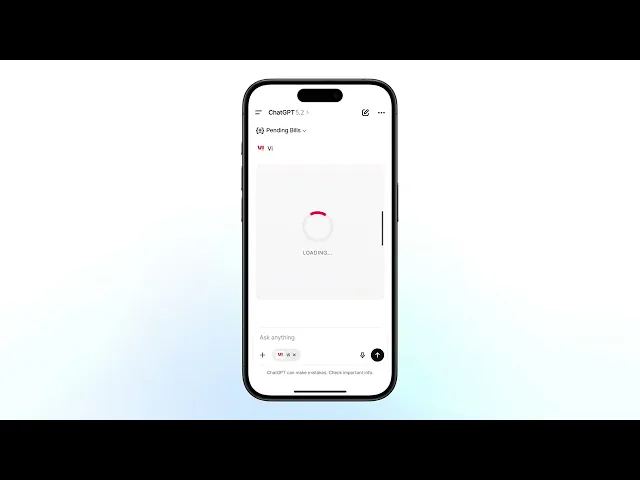
Video frames and UI design for a demo showing how agentic payments work through a chat-based AI interface using MCP.
Role: Visual Designer
Scope: Visual Storytelling, Visual Frames, UI
Motion Design by Chandrashekar PK
CONTEXT
Juspay wanted a demo video showing how agentic payments work: a user talks to ChatGPT (or any chat-based AI), and the AI handles payments through Juspay via MCP. This isn't a shipped product with a design system ready to go. There's no existing UI for "what does it look like when an AI processes a payment for you inside a chat window." I had to figure that out, design the UI, and then design the video frames around it.
THE CORE IDEA
Show how it works. Directly.
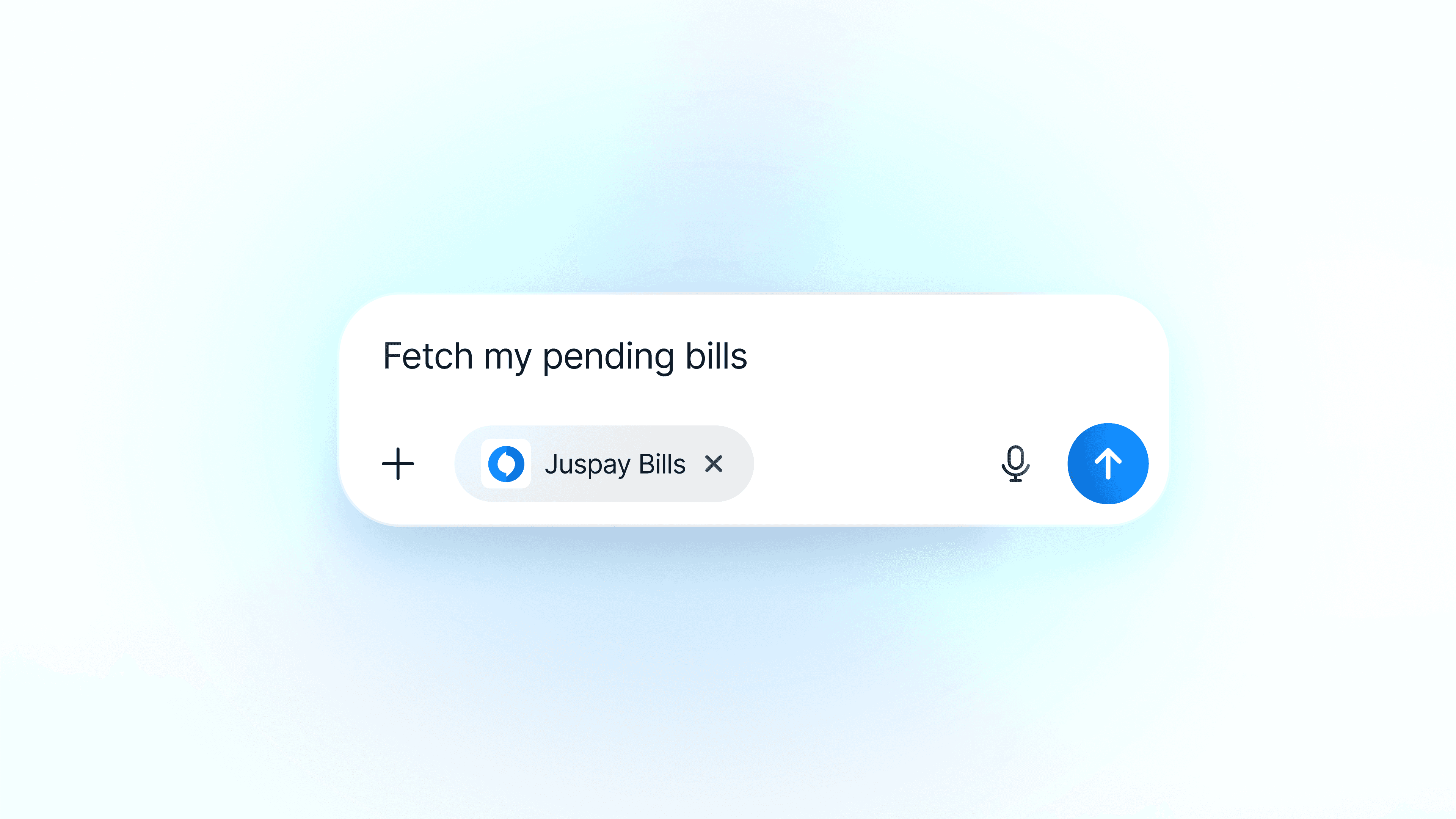
The approach was straightforward: keep the abstraction to a minimum. Most demo videos over-explain with motion graphics and metaphors. This one just shows the thing happening. A user types in ChatGPT, the AI connects to Juspay, the payment goes through. The video frames follow that interaction almost literally, with visual clarity added only where the raw UI would be confusing on its own.
THE UI PROBLEM
This product doesn't exist yet. Had to design it to show it.
There's no production UI for agentic payments through a chat interface. Product designers hadn't designed this flow because it's not a traditional product screen, it's an AI doing things inside a conversation. So before I could make video frames, I had to design the UI itself: what does the chat look like, what shows up when the AI is processing a payment, what does confirmation look like, how do you show the MCP connection happening.
The UI had to feel real enough that viewers believe this is how it works, but clean enough that it reads on video. I designed full flows for the interaction, not just isolated screens. The user sees the conversation, the tool calls, the payment confirmation, all inside the chat window.

THE VIDEO FRAMES
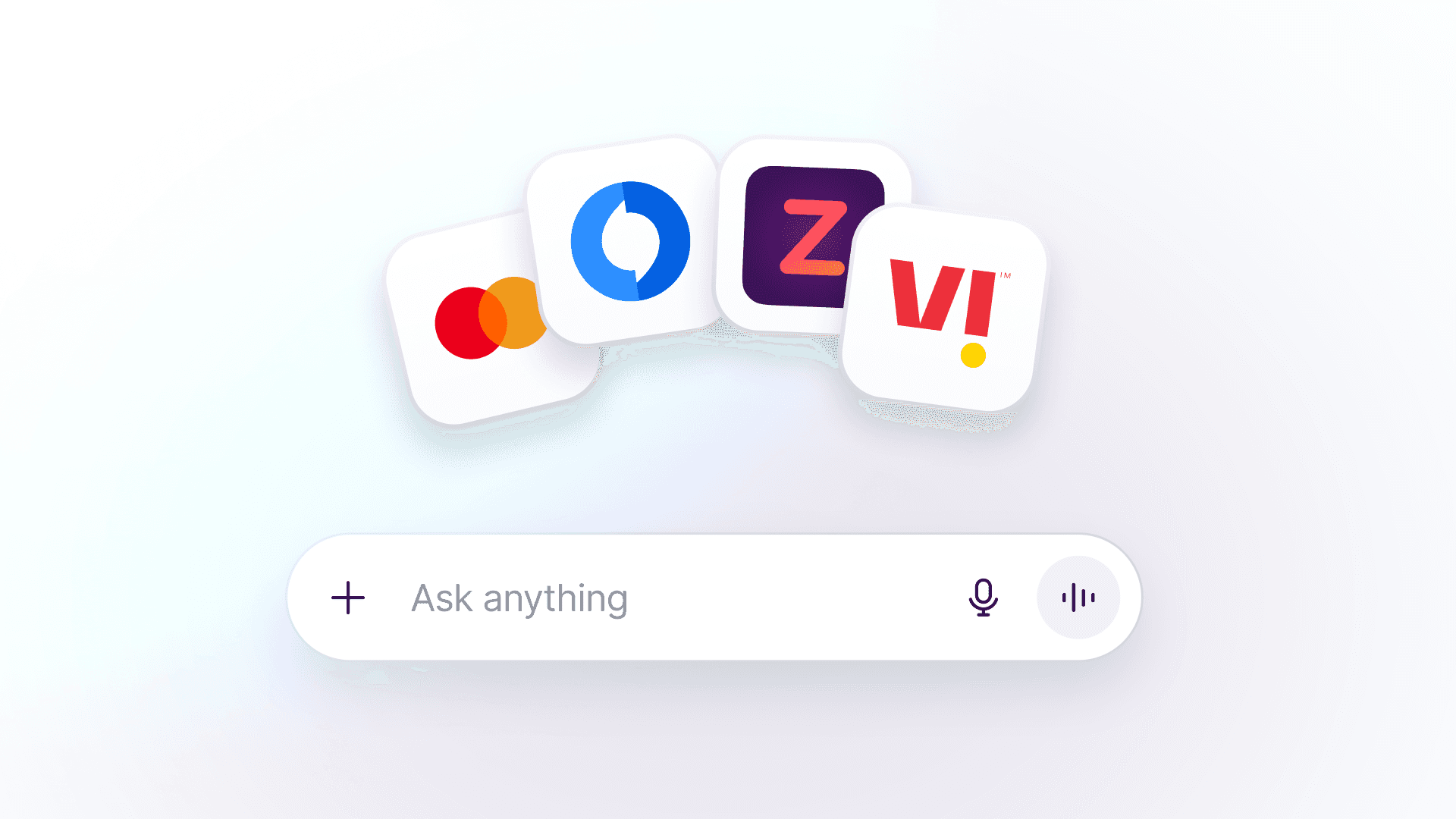
Since the demo was pitched to multiple companies (Vi, Airtel, BigBasket, Zepto, among others), the frames were adapted per client. Swapped brand logos into the chat input, and tweaked background color tones to match each brand's palette. Small changes, but they make the demo feel like it was made for that company specifically, not a generic walkthrough. The core frames stay the same, just the color context shifts.
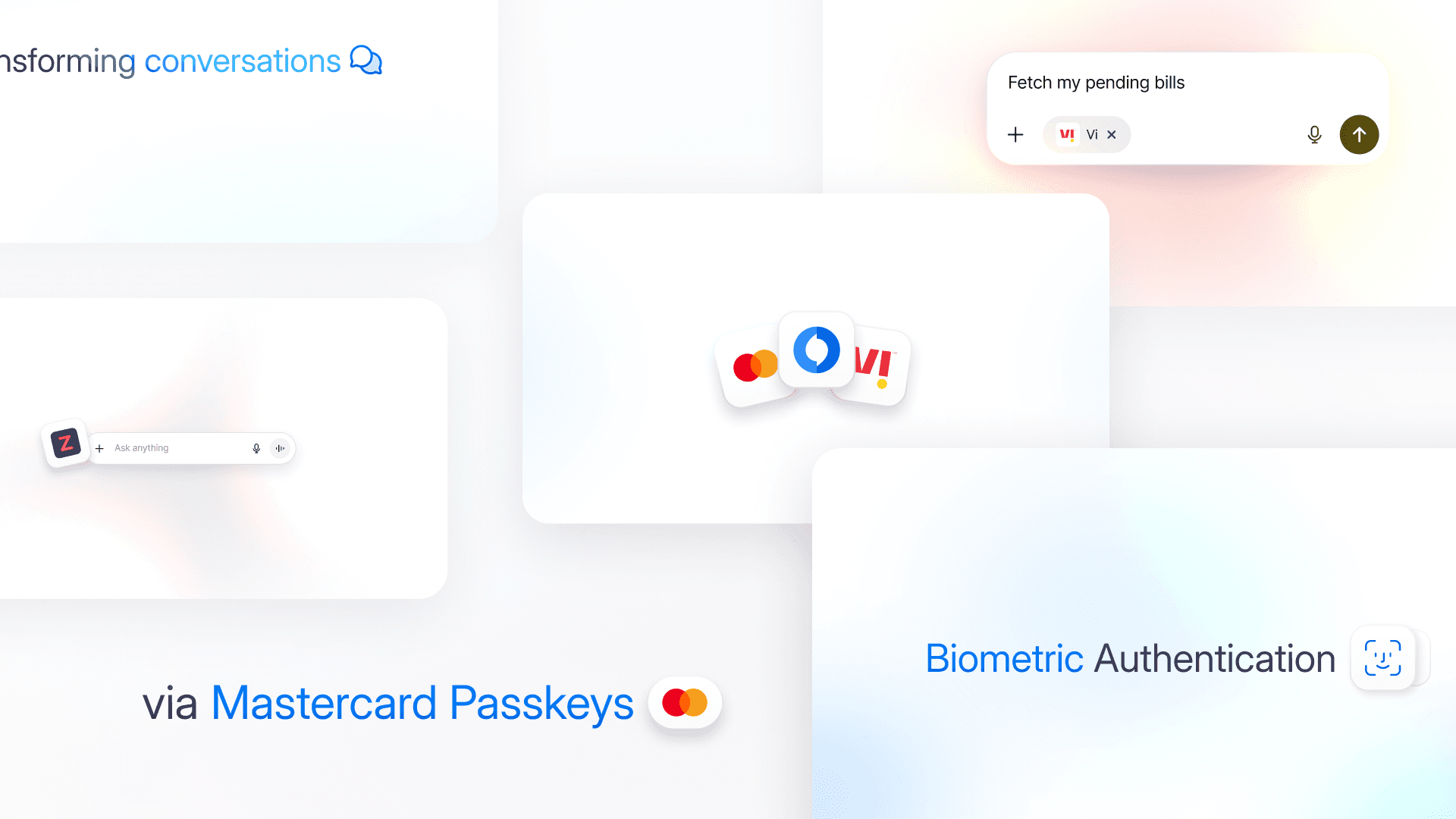
Watch the full video:
Other Projects

View more